GenComment guides
Measured guides for comment screenshots and the videos they go in
Every guide here is written next to the generator it feeds, and every cover is a real export from one of our tools. Editing tutorials come with timings and tap paths, platform specs come with the pixel values we actually render, and nothing is padded to hit a word count.
All guides
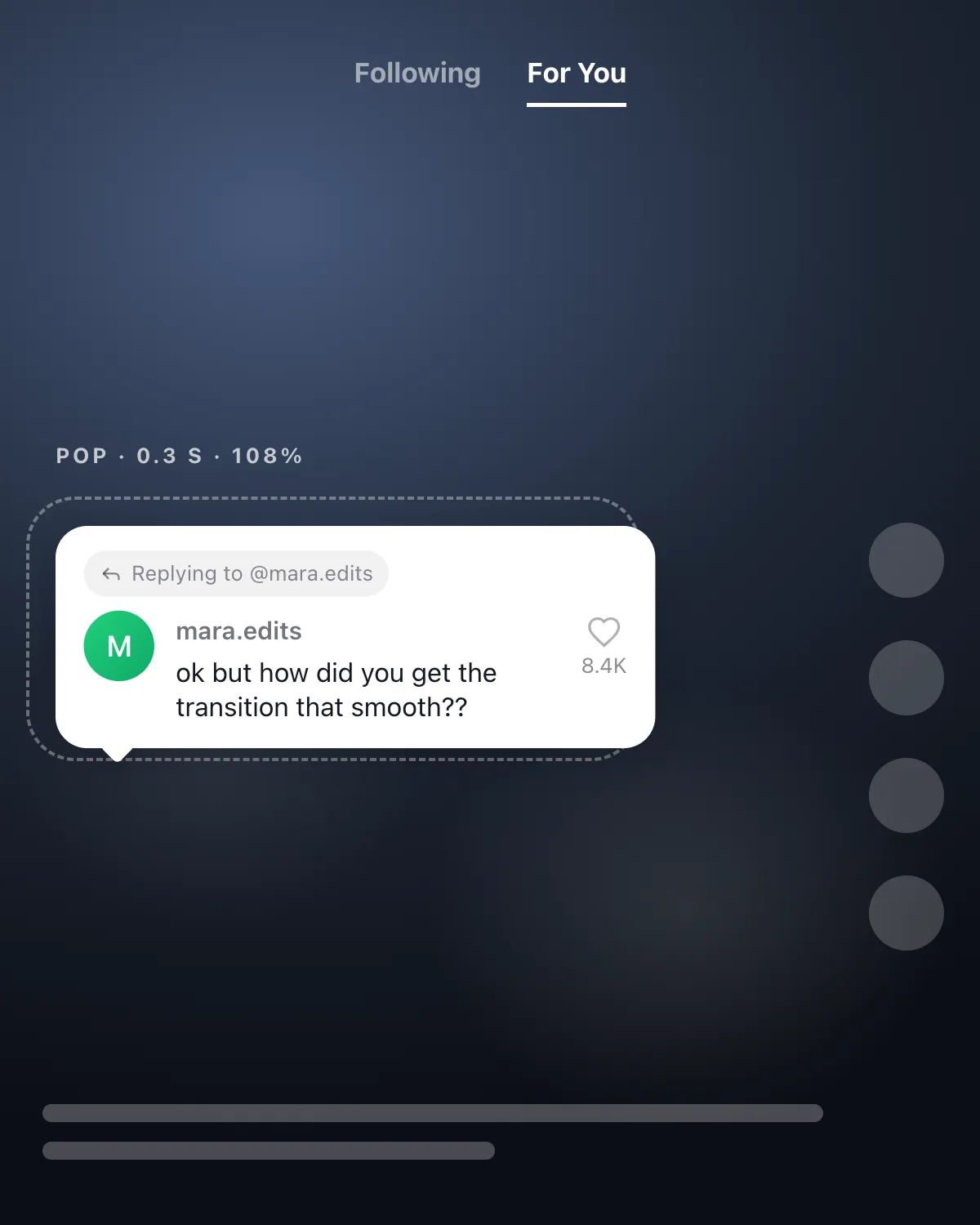 Editing guide
CapCut Comment Overlay: How to Make the Pop-Up Effect Step by Step
Export a transparent comment PNG, drop it on the overlay track, keep it out of TikTok's button zone and keyframe the pop so it lands on the beat.Feeds the TikTok reply generator
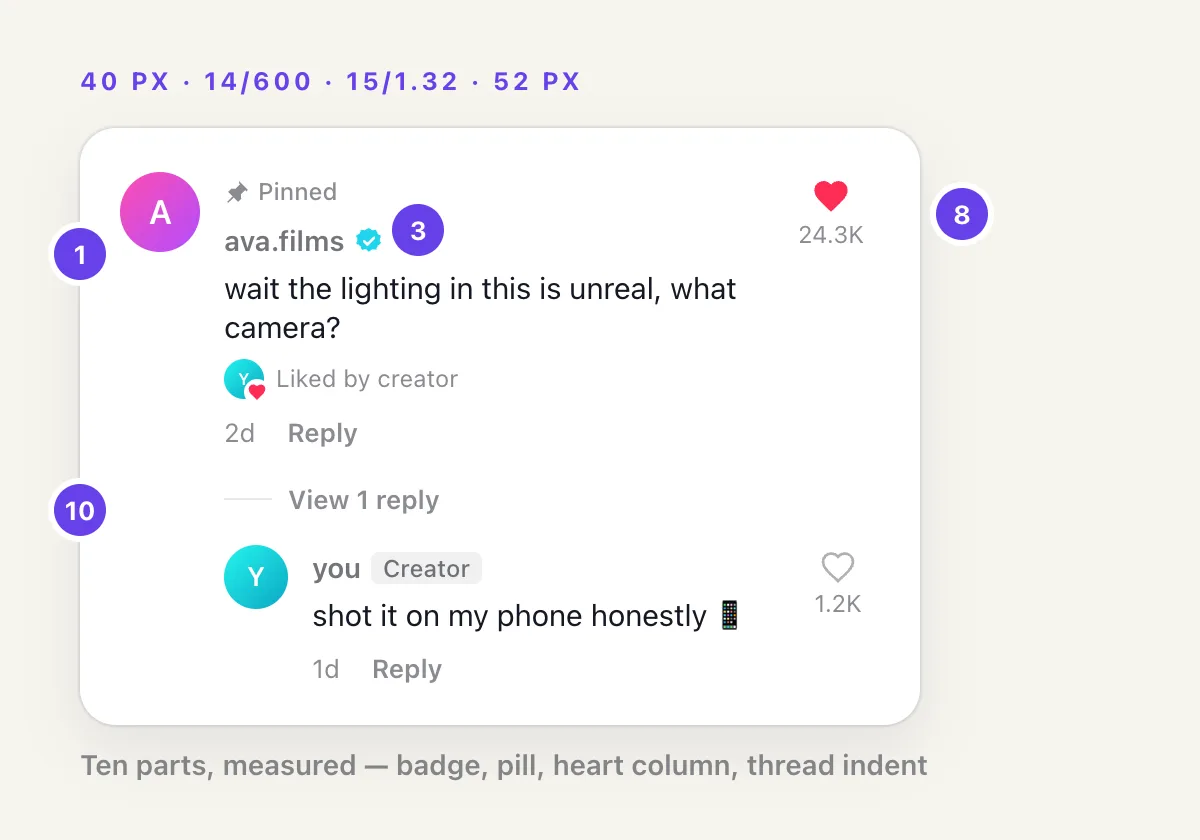 Platform specs
Anatomy of a TikTok Comment: Font, Spacing, Badges, Creator Heart & Pinned
Every element of a TikTok comment measured: the font it really uses, avatar and type sizes, badge and pill colors, like-count rounding, and the dark-mode tokens.Feeds the TikTok comment generator
In the works
Queued in this order. Check back, or start with the tools below while they land.
- How to make a fake TikTok comment, free and without a watermark
- Nine mistakes that make a fake comment look fake
- How to spot a fake screenshot, from people who make them
- 150+ funny TikTok comments, sorted by video type
- The best TikTok comment generators of 2026, tested
- Reply-to-comment videos when nobody has commented yet