Reels visual replies
Open a Reel with a comment sticker replying to a viewer — Instagram’s strongest first-frame hook — and keep people watching past the first second.
For parody, memes and creative use. Don’t impersonate real people or fake endorsements. Terms
Examples · tap to use
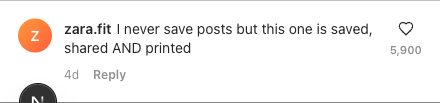
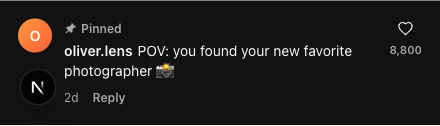
Build the exact comment Instagram shows when you reply to a comment with a Reel. Set the username, blue verified badge, likes, replies and dark mode, then export a transparent PNG — type your own line or let the writer suggest one.
How it works
Here is the whole workflow, panel by panel — open the Instagram tool from the side rail, build your comments, dial in the details, and export. Every shot below is the real app, running in your browser.
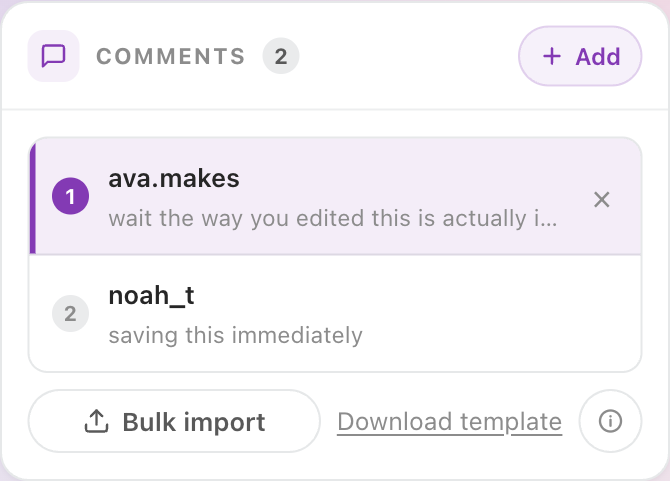
Hit + Add to drop in a comment one at a time, or Bulk import a whole thread from the downloadable template. Build a single reply or stack up a full Instagram comment section.

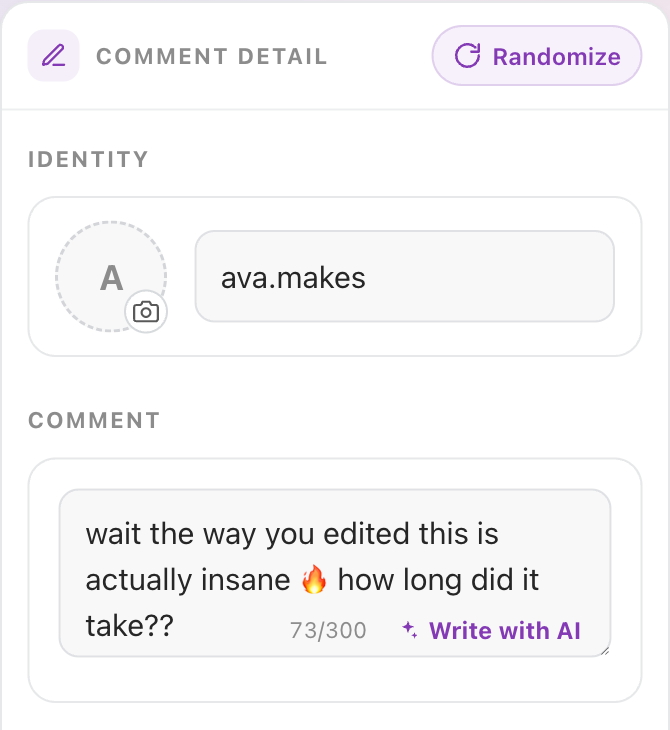
Give each comment a handle and avatar, then type the line — or tap Write with AI to generate something that reads like a real Instagram comment.

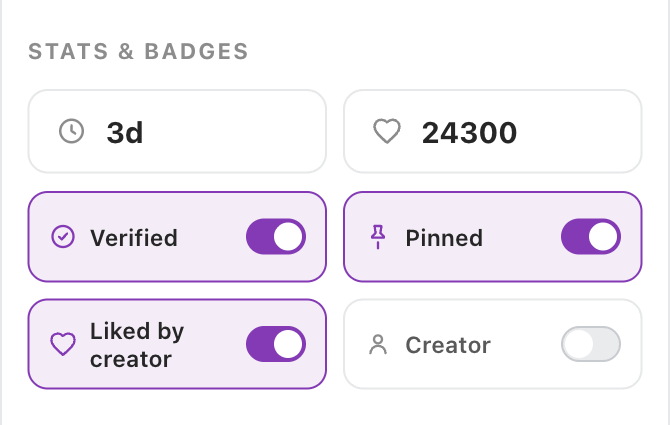
Flip on the verified badge, pin the comment, set the like count and timestamp, and mark it liked by creator — the small details that make a screenshot believable.

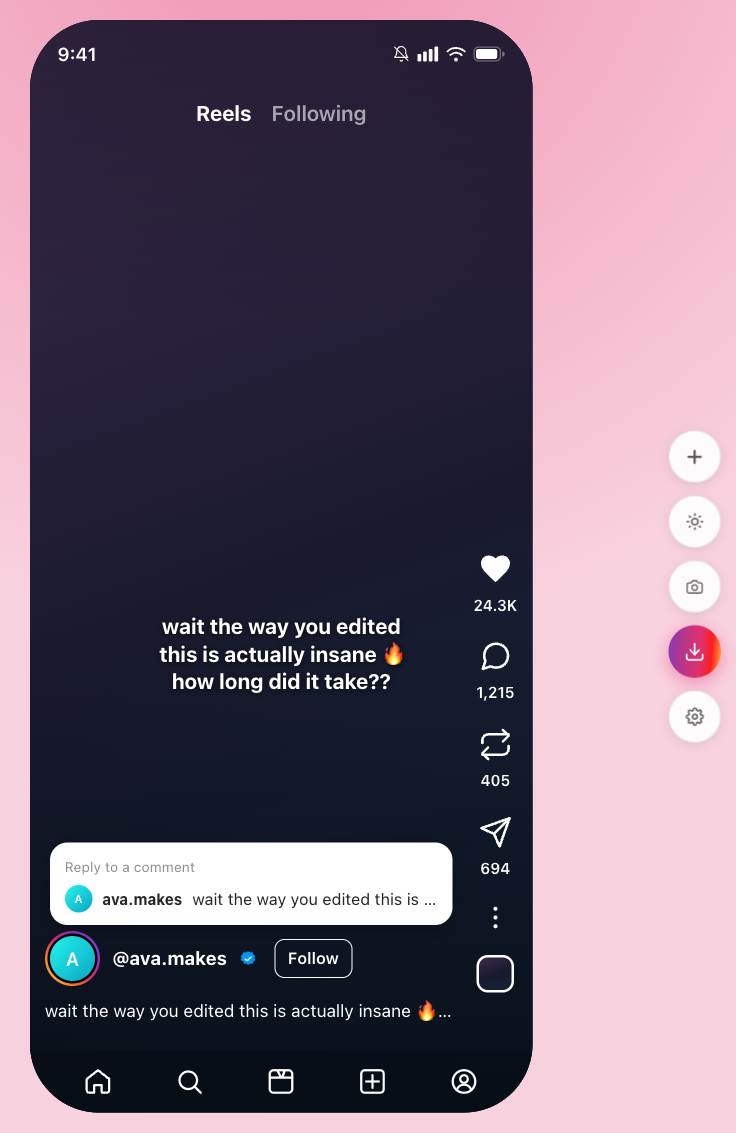
Watch the comment rebuild live on the Reels preview, switch between light and dark, then hit Download PNG for a transparent, watermark-free sticker ready to drop onto a Reel.

The output
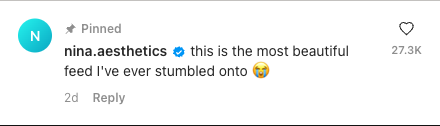
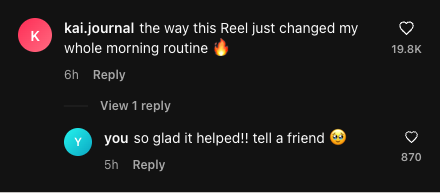
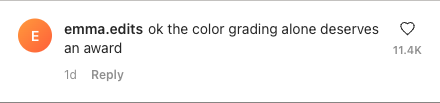
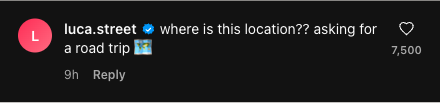
Every card here is a real Instagram comment generator export — light and dark, pinned, verified and threaded, exactly as the app renders them.


Use cases
From Reels visual replies to client decks, the fake comment maker fits anywhere a believable Instagram comment sells the story.
Open a Reel with a comment sticker replying to a viewer — Instagram’s strongest first-frame hook — and keep people watching past the first second.
Stack a comment and its replies into one screenshot so the punchline lands exactly the way it would scrolling a real Instagram post.
Drop true-to-life praise comments into ad creatives and client decks — believable social proof without screenshotting real, private accounts.
Fill product mockups, tutorials and slides with authentic-looking Instagram comments instead of obvious lorem-ipsum placeholders.
Make it believable
The generator hands you Instagram's exact badge, like format, pin and reply threads — but what makes a comment read as genuine is the language and the numbers, not the chrome. A short checklist:
Comparison
Most results for this search either fake a whole Instagram post or just write comment text. Here is what changes when the goal is the comment itself, exported clean enough to drop onto a Reel.
For creators
An Instagram comment generator turns a username and a line of text into an image that looks just like a real comment from the app. Instead of screenshotting a live comment section — exposing real accounts and waiting for the right comment to appear — you build the exact comment you want and export it as a clean, transparent PNG. That image drops straight onto a Reel as a comment sticker, or into a post, a carousel or a slide. Make videos for TikTok too? The TikTok comment generatordoes the same with TikTok's comment UI.
Short-video creators reach for a fake Instagram comment most often. The “replying to a comment” format is one of the strongest hooks on the platform, and it depends on a comment that reads as genuine. With this Instagram comment generator you can write the comment that sets up your punchline, mark it as pinned, give it a believable like count, and toggle the blue verified badge — the small details that tell a viewer the comment is real.
Real conversations on Instagram happen in reply threads, so the generator lets you add replies under any comment, complete with their own usernames, avatars and like counts. The “View replies” thread renders exactly as it does in the app. You can also stack several comments into a single image to recreate an entire comment section— ideal for “reading the comments” Reels where the whole thread is the content. Pin a comment to the top exactly as Instagram does.
Coming up with a believable Instagram line is half the battle, so the writer is built in. Type your own comment, or describe the Reel or post and let it suggest realistic lines — praise, a question, a hot take — that you drop into the preview and tweak. The AI helps you find something to say; it never takes over the editable comment image. Want unlimited AI writes and bulk CSV→ZIP export? See Pro plans for higher limits.
Every option in this fake Instagram comment generatoris free, including the high-resolution and transparent-background exports. There's no account to create and no watermark stamped across your download. Because the rendering happens in your browser, the comments you write and any profile pictures you upload stay on your device. Use the Instagram comment maker responsibly — mock comments are great for memes, storytime Reels, mockups and teaching, but they shouldn't be used to impersonate real people, fake endorsements or spread misinformation.
Questions
Realism comes from the language and the numbers more than the UI. Use a lowercase, specific-sounding handle instead of @username, keep the like count believable for how old the comment is, line the timestamp up with the post, and spend the blue check and the pinned label sparingly — overusing them is the giveaway. Keep the line short and casual, the way people actually comment.
Yes — that is what most creators come here for. Build the comment exactly as Instagram shows it when you reply to a comment with a Reel, export a transparent PNG, and drop it over your video as the opening visual reply.
Completely free. Set the username, avatar, blue verified badge, likes, pinned state and replies, then download the image — no watermark, no account, no limits.
Yes. Toggle Instagram’s blue verified check, upload your own profile picture, or pick a preset avatar so the comment reads as a real, recognisable account.
Yes. Add a “View replies” thread under any comment — each reply keeps its own username and avatar — and stack several comments into one image to recreate an entire Instagram comment section for a “reading the comments” Reel.
Switch the preview between Instagram’s light and dark themes so the exported comment sits cleanly on a bright feed post or a dark Reel, with the exact colors Instagram uses.
No login, no email, nothing to install. The image is rendered in your browser, so the comments you write and any profile pictures you upload never leave your device.
Reels visual replies and storytime hooks, meme threads, review and social-proof mockups for ad creatives and client decks, and UI placeholders in design work. Use it responsibly — don’t impersonate real people or spread misinformation.

More generators
Make realistic TikTok comment screenshots — verified badge, pinned comments, reply threads and dark mode, then export a clean PNG.